Total privacy with unique digital identities drawn from a real device database.
Realistic mobile experience simulating touch events and logical pixel structure.
Boost trust scores by automatically browsing before risking your accounts.
Each profile operates within an independent and isolated capsule.
Prevent conflicts and association by assigning unique IPs to each profile.
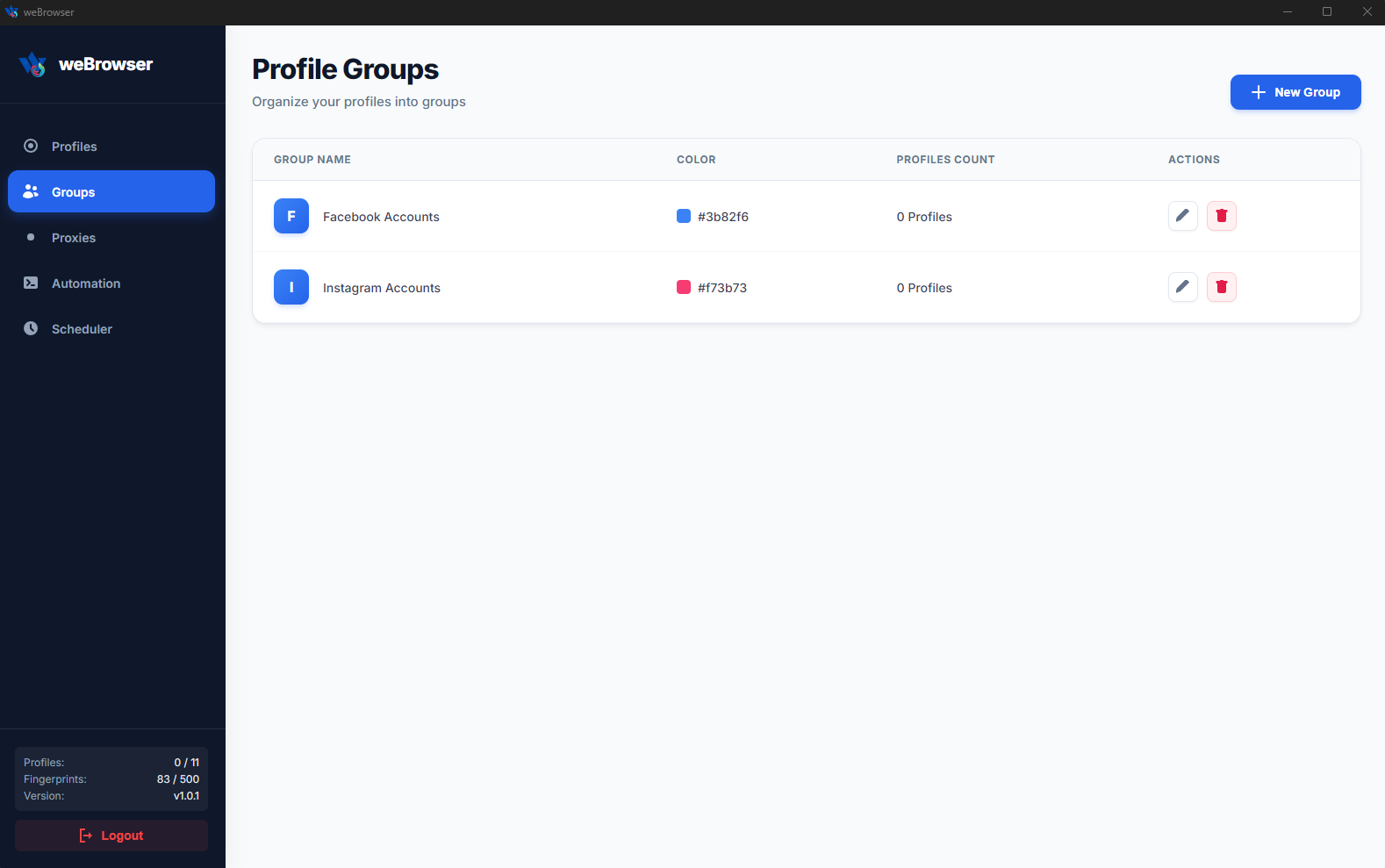
Safely manage hundreds of different accounts from a single computer.
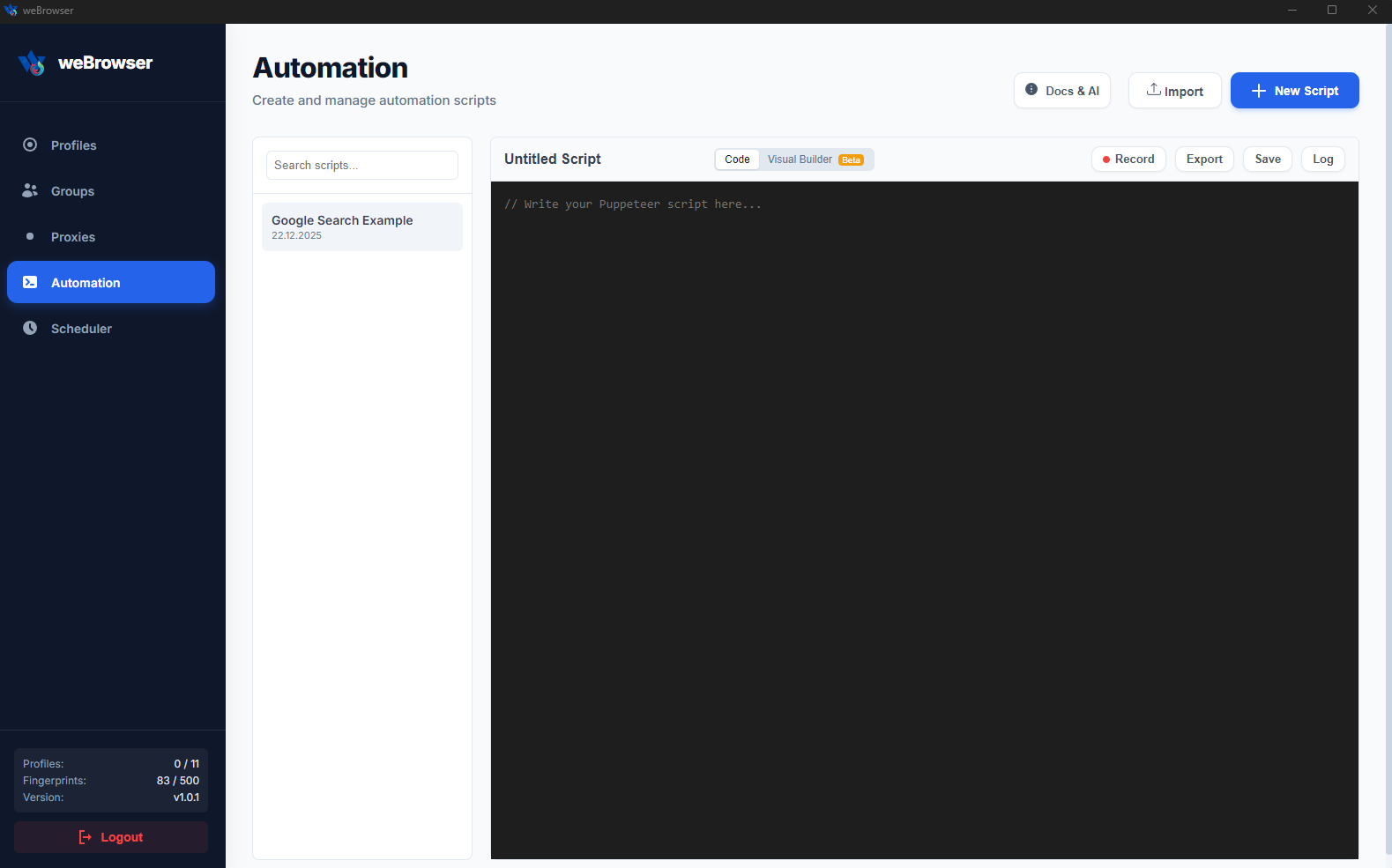
Instantly turn complex processes into automation with a single prompt or .js code.
Design your own bot with visual blocks without the need for coding.
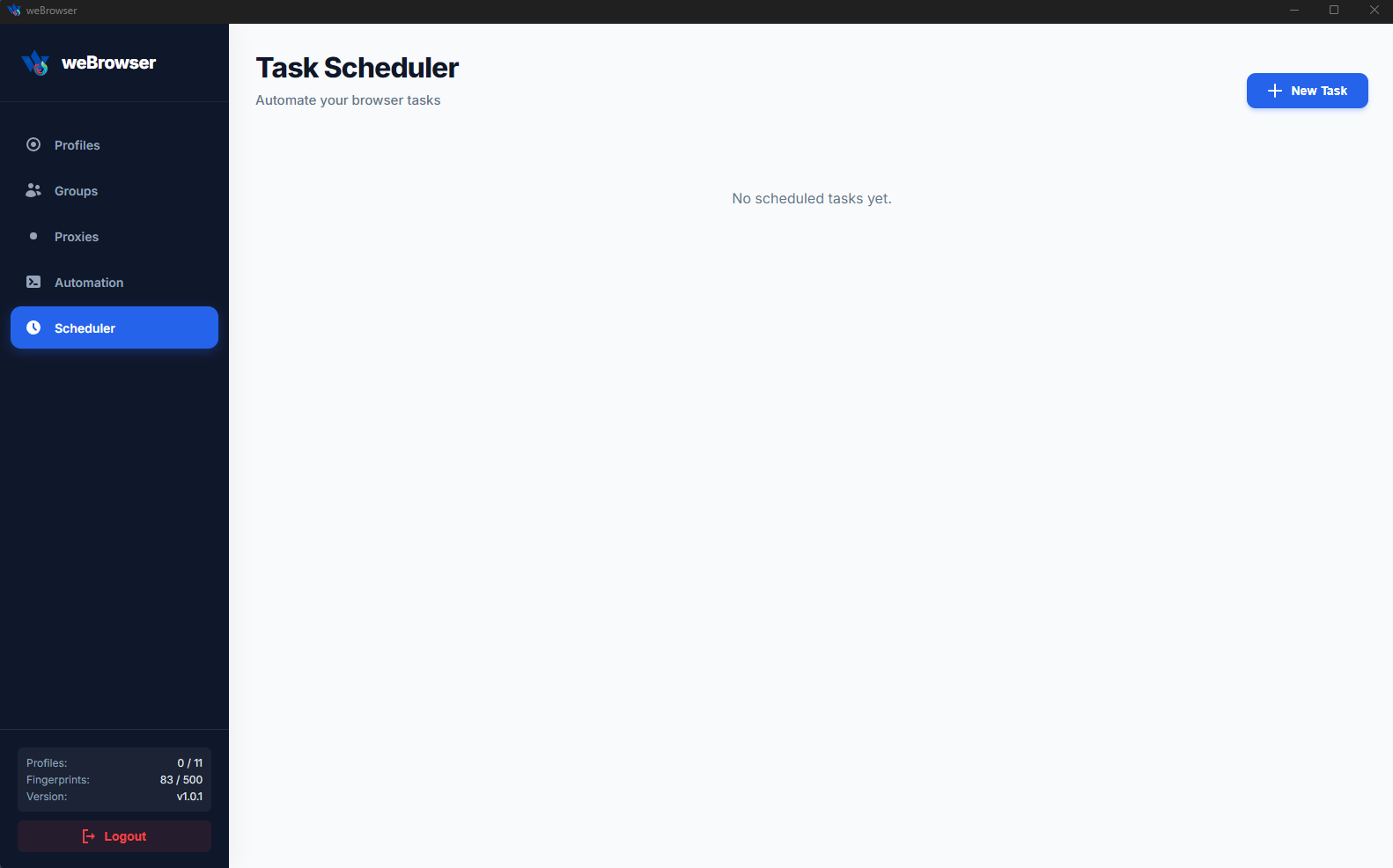
Let the system work while you sleep; manage farming and routine tasks fully automatically.
weBrowser is a next-generation Anti-Detect Browser software designed to protect your identity in the digital world, secure multi-account management, and automate your operational processes.
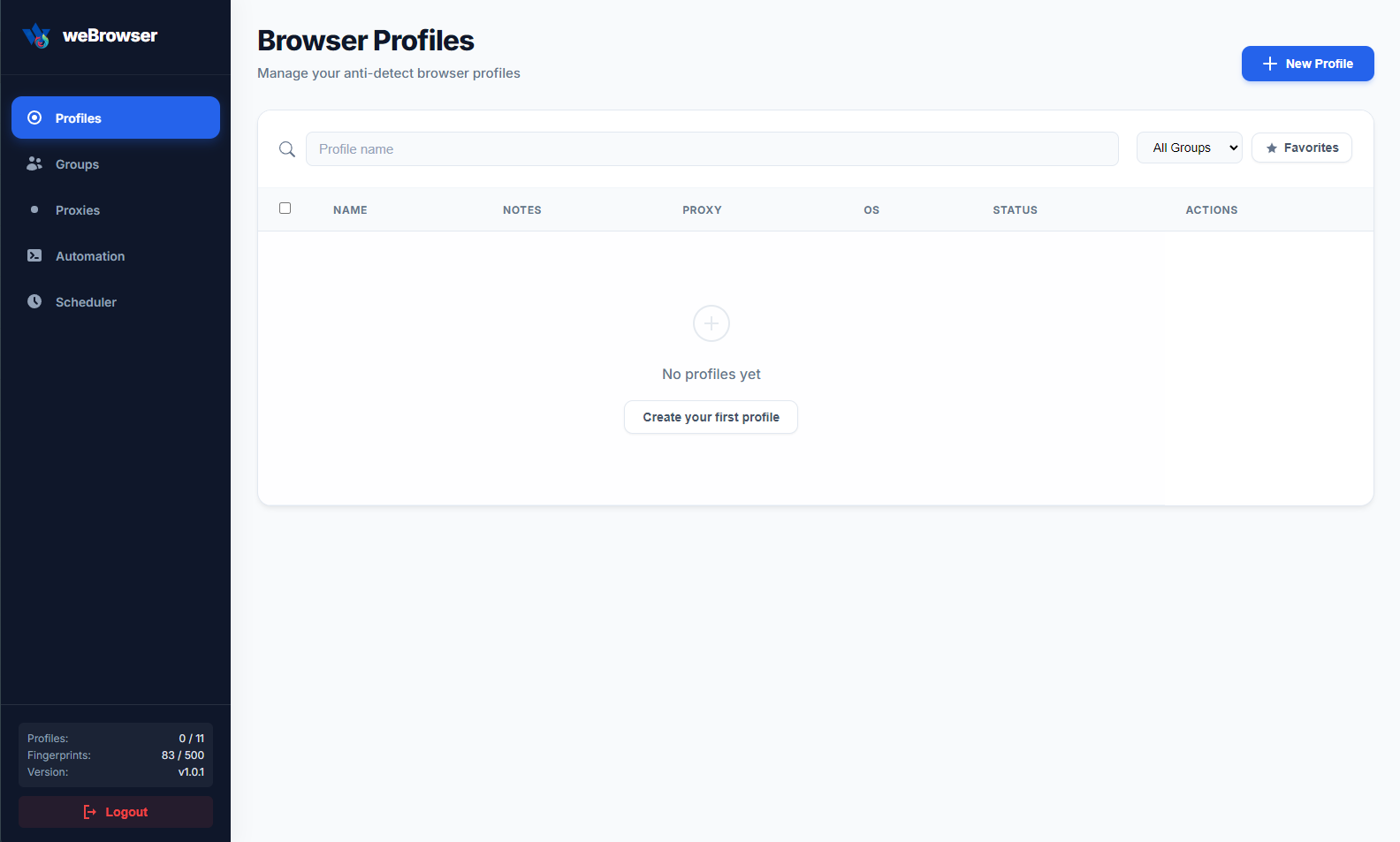
Developed for professionals working in e-commerce, digital marketing, social media management, and advertising, weBrowser equips each browser profile with a completely isolated digital identity (fingerprint). This allows you to securely manage hundreds of different accounts from a single computer without triggering the tracking mechanisms of platforms.
Advanced Fingerprint Management
Mobile Device Emulation
Smart Cookie Management and Robot
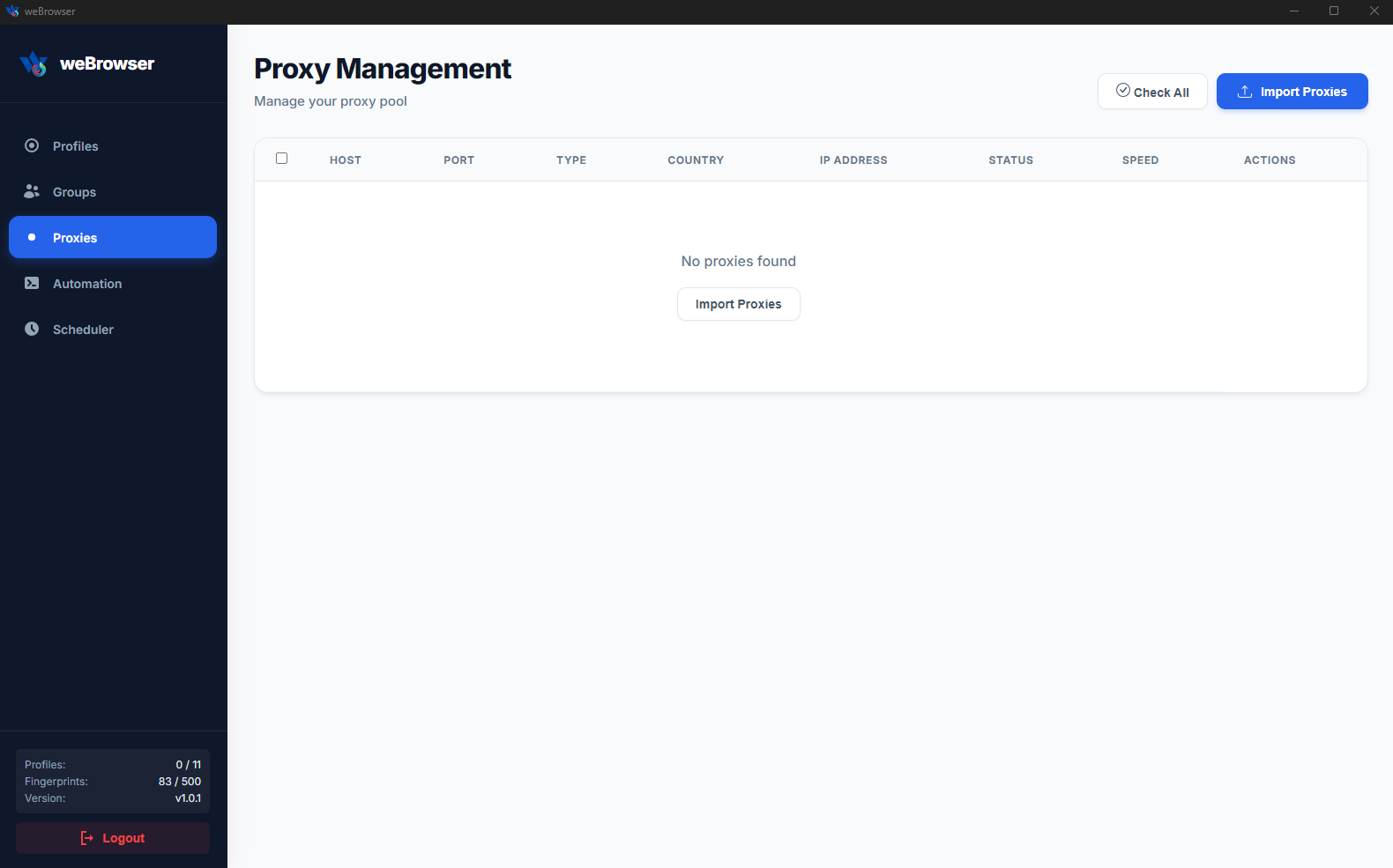
Flexible Proxy Integration
Complete Isolation
Each profile has its own cookies, cache, and local storage. A data leak in one profile never affects the others.
Legal Disclaimer: It is the user's sole responsibility to use this software strictly in accordance with the Terms of Service (ToS) of target websites and within applicable legal frameworks. The user assumes all legal liability in cases of spam, unauthorized access, service disruption, or any form of misuse. The providing company accepts no liability for any account restrictions, blocks, or legal violations arising from the use of this software.
Installation Instructions
1. Download: After your purchase, download the `weBrowser Setup.exe` file sent to you or downloaded from the panel to your computer.
2. Installation: Double-click the downloaded `.exe` file to launch the installation wizard. The software will automatically install the necessary files.
3. Run: Click on the weBrowser shortcut on your desktop to open the application.
4. License Activation: Paste the License Key you purchased into the relevant field on the login screen and click the "Log In" button.
5. Ready: Once activation is successful, you will be redirected to the profile management panel. You can start working immediately by clicking "Create New Profile."
v1.0.2 - January 26, 2026

 Turkey (Türkçe)
 Worldwide (English)
 Server Services
 Proxy Services
 Software Services
